Website Speed Is More Than a Lighthouse Score
Understand Lighthouse lab tests, real-user field data, Core Web Vitals, and how to evaluate website performance beyond a single score.
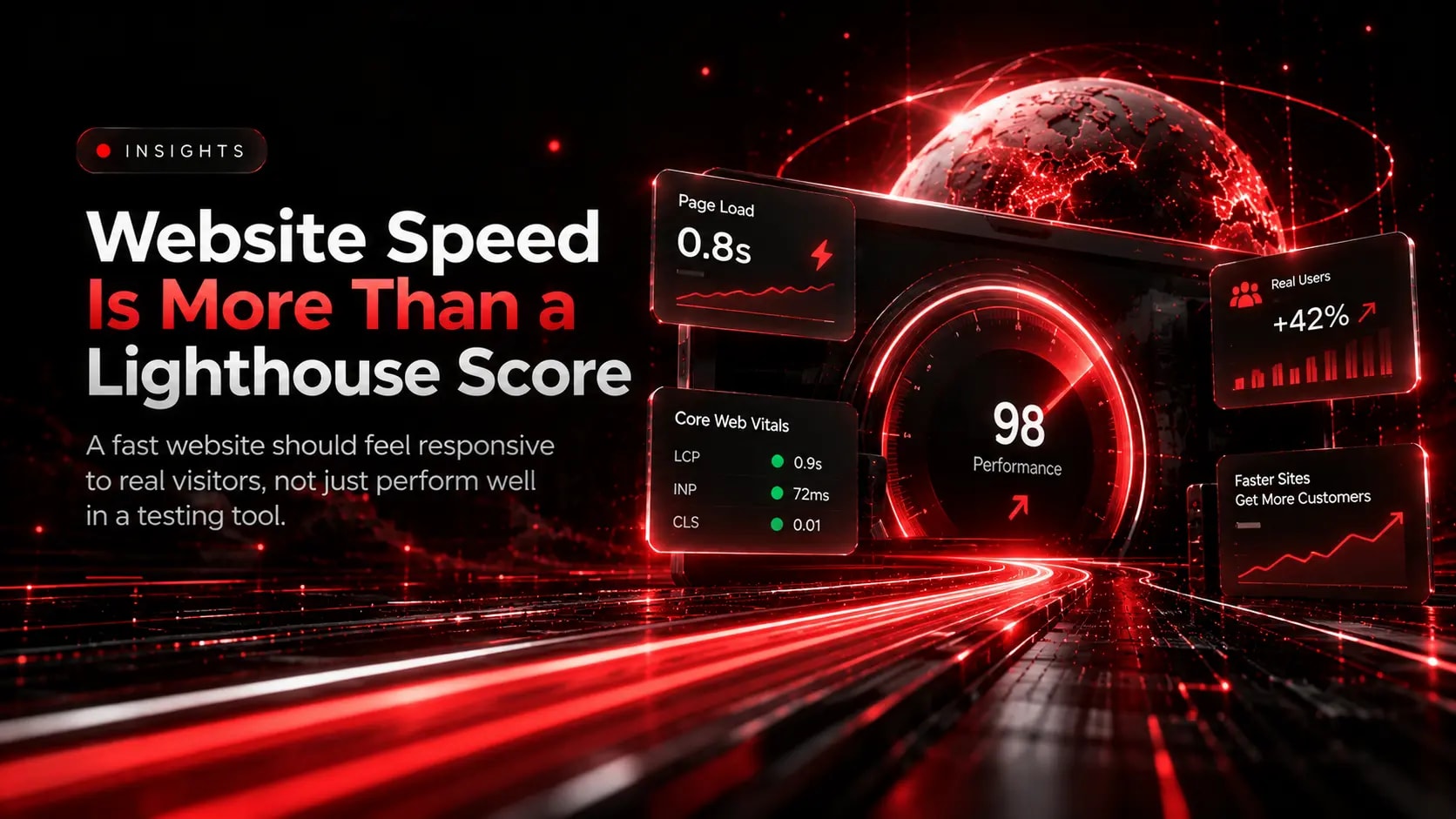
A high Lighthouse score can be useful, but it does not tell the entire story of website performance.
A website may perform well in a controlled test yet feel slow to visitors using older devices, congested networks, or different browsers. To understand performance properly, developers need both diagnostic tests and real-world evidence.
1. Understand Lab Data and Field Data
Lab data comes from controlled tests under specified conditions. Lighthouse is valuable for identifying potential problems such as oversized images, inefficient scripts, render-blocking resources, and other performance opportunities.
Field data reflects actual visitor experiences collected across real browsing conditions. Chrome User Experience Report data, when available, can provide field measurements used by tools such as PageSpeed Insights.
The two types of data answer different questions. Lab tests help investigate causes; field data helps reveal how the experience performs for real users.
2. Measure Core Web Vitals
Focus on three important user-experience metrics:
- LCP: Aim for 2.5 seconds or less.
- INP: Aim for 200 milliseconds or less.
- CLS: Aim for 0.1 or less.
These targets are assessed at the 75th percentile of page visits. Where data is available, review mobile and desktop experiences separately.
A Lighthouse performance score is not a substitute for evaluating all three metrics using real-user field data.
3. Investigate the Causes Behind the Numbers
When a page performs poorly, investigate the specific bottleneck.
For a slow LCP, examine the main content image, server response, resource discovery, and rendering delays.
For poor INP, inspect long JavaScript tasks, expensive event handlers, and unnecessary work during user interactions.
For CLS, reserve space for media, banners, and embedded content, and avoid inserting content unexpectedly above what the visitor is reading.
4. Test More Than the Homepage
A homepage may behave differently from a product listing, article, service page, or checkout flow.
Test important page templates and user journeys, especially pages that generate enquiries or revenue. Look at different device sizes and consider the impact of third-party scripts, advertising tools, chat widgets, and analytics.
5. Track Performance Over Time
Website performance can change when new features, images, plugins, or scripts are added.
Establish a baseline, record important changes, and repeat tests after significant releases. Use Search Console and other appropriate monitoring tools to identify field-performance issues as sufficient data becomes available.
6. Connect Performance to User Experience
Performance is not simply about reaching a target number. It is about making content available promptly, ensuring interactions respond quickly, and preventing unexpected movement.
Use metrics to guide investigation, then verify that changes improve the experience without breaking functionality.
Final Thoughts
Lighthouse is a useful diagnostic tool, not a complete measure of every visitor's experience. Combine controlled testing, field data, and practical user-journey checks to build a more accurate picture.
The goal is not just a better score. It is a reliable website that feels fast and works well in real conditions.
Explore Related Capabilities & Work
Intime Webs Services
Work With Intime Webs
Want to audit your website performance?
Intime Webs can help investigate technical bottlenecks and prioritise meaningful improvements.
Continue Reading · Related Insights
View All 20 Articles →
What Actually Makes a Business Website Fast
A fast website is more than a page that loads quickly on a developer computer. Discover how Core Web Vitals, media optimisation, lean JavaScript, and caching create real-world speed.
Why Post-Launch Website Maintenance Is Essential for Long-Term Growth
Launch day is the starting line, not the finish. Learn how proactive maintenance keeps your website fast, secure, and aligned with evolving business goals.
Mastering Interaction to Next Paint (INP) for Responsive Websites
A page that looks loaded but freezes when someone taps a menu or filter frustrates users. Learn how to diagnose and optimise Interaction to Next Paint (INP).