What Actually Makes a Business Website Fast
Discover how Core Web Vitals, image optimisation, efficient JavaScript, caching, and real-user testing help improve business website speed.

A fast website is more than a page that loads quickly on a developer's computer. It is a website that displays its important content promptly, responds smoothly to user interactions, and remains visually stable while people browse.
For businesses, website speed is part of the customer experience. A slow or unresponsive website can create friction before visitors even discover what a company offers.
1. Start With Core Web Vitals
Google's Core Web Vitals help evaluate three important aspects of real-world website experience:
- Largest Contentful Paint (LCP): How quickly the main content becomes visible. Aim for 2.5 seconds or less.
- Interaction to Next Paint (INP): How quickly a page responds to user interactions. Aim for 200 milliseconds or less.
- Cumulative Layout Shift (CLS): How much unexpected layout movement occurs. Aim for a score of 0.1 or less.
These thresholds should be assessed at the 75th percentile of real-user visits, rather than from a single test alone.
2. Optimise Images and Media
Large images are a common source of unnecessary page weight. Resize images to suit their display dimensions, use modern formats such as WebP or AVIF where appropriate, and compress them without visibly damaging quality.
Load below-the-fold images lazily, but avoid delaying the main hero image if it is the page's LCP element.
3. Reduce Unnecessary JavaScript
Large JavaScript bundles, excessive third-party scripts, and long-running tasks can delay rendering and make interactions feel sluggish.
Remove unused code, split JavaScript where useful, defer non-critical scripts, and avoid adding libraries that provide little value to the experience.
4. Improve Font and CSS Delivery
Use efficient font loading, limit unnecessary font weights, remove unused CSS where practical, and prioritise the styles required to render the initial viewport.
Reserve space for images, advertisements, and embedded content to prevent unexpected layout shifts.
5. Improve Server Response and Caching
Use appropriate browser caching, compression, a reliable hosting environment, and a content delivery network when it benefits your audience. Measure server response time before deciding whether infrastructure changes are necessary.
6. Test the Website in Real Conditions
Use Lighthouse for controlled diagnostics and PageSpeed Insights to examine available field data. Chrome DevTools can help identify expensive resources, rendering delays, and JavaScript bottlenecks.
A good result comes from measuring, fixing the largest problems, and testing again—not from blindly applying every optimisation.
Final Thoughts
Website performance is an engineering discipline, not a cosmetic score. Prioritise the content visitors need, responsive interactions, visual stability, and consistent performance across mobile and desktop.
Explore Related Capabilities & Work
Intime Webs Services
Portfolio Showcases
Work With Intime Webs
Need a faster business website?
Intime Webs can help you identify performance bottlenecks and build a more efficient digital experience.
Continue Reading · Related Insights
View All 20 Articles →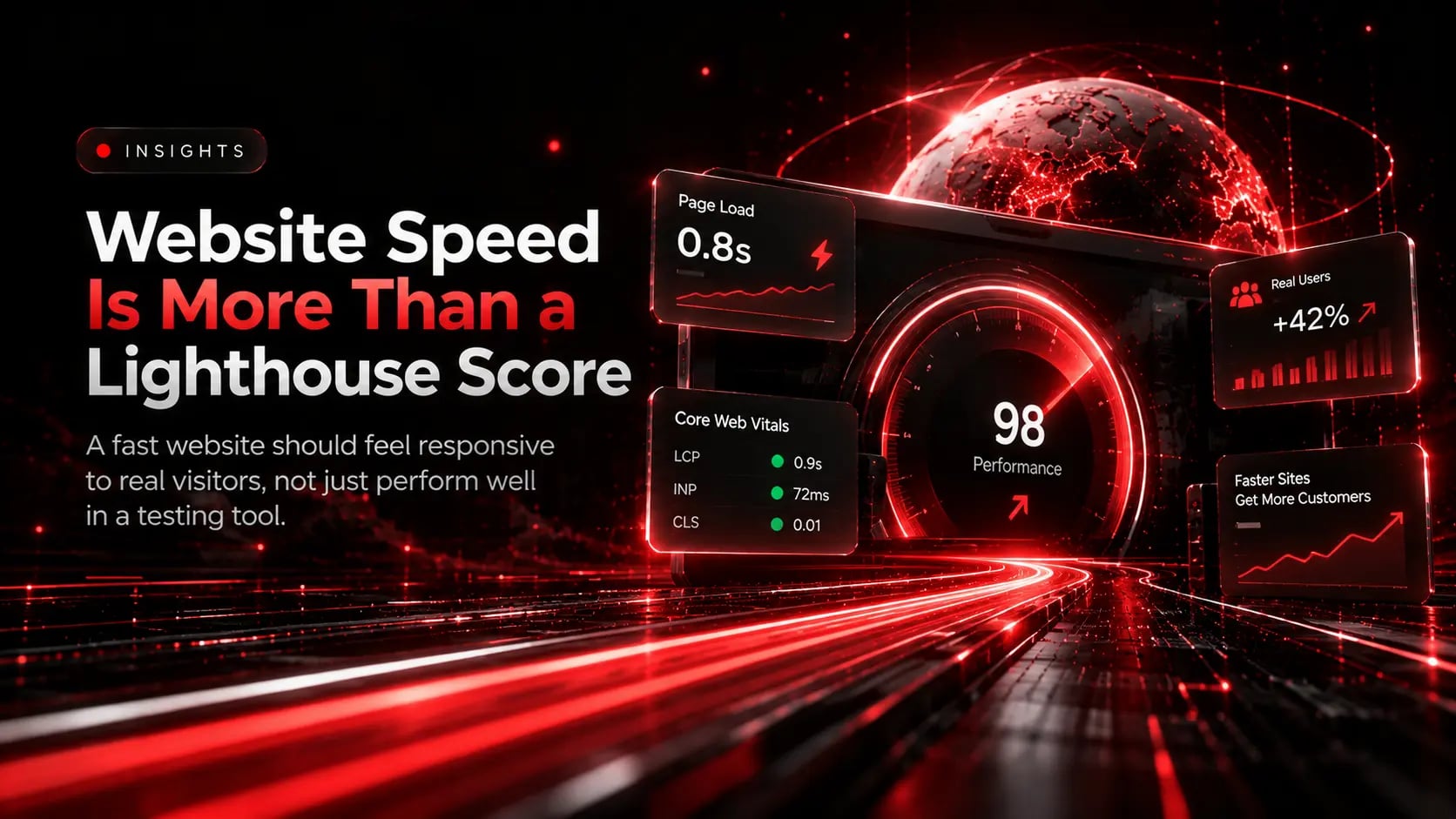
Website Speed Is More Than a Lighthouse Score
A high Lighthouse score can be useful, but it does not tell the entire story. Learn how to combine diagnostic lab tests with real-user field data across actual devices and networks.

Why Post-Launch Website Maintenance Is Essential for Long-Term Growth
Launch day is the starting line, not the finish. Learn how proactive maintenance keeps your website fast, secure, and aligned with evolving business goals.
Mastering Interaction to Next Paint (INP) for Responsive Websites
A page that looks loaded but freezes when someone taps a menu or filter frustrates users. Learn how to diagnose and optimise Interaction to Next Paint (INP).