Why Your Business Website Is Losing Customers
Discover common website conversion problems, from unclear messaging and slow performance to weak calls to action, confusing forms, and poor landing-page alignment.
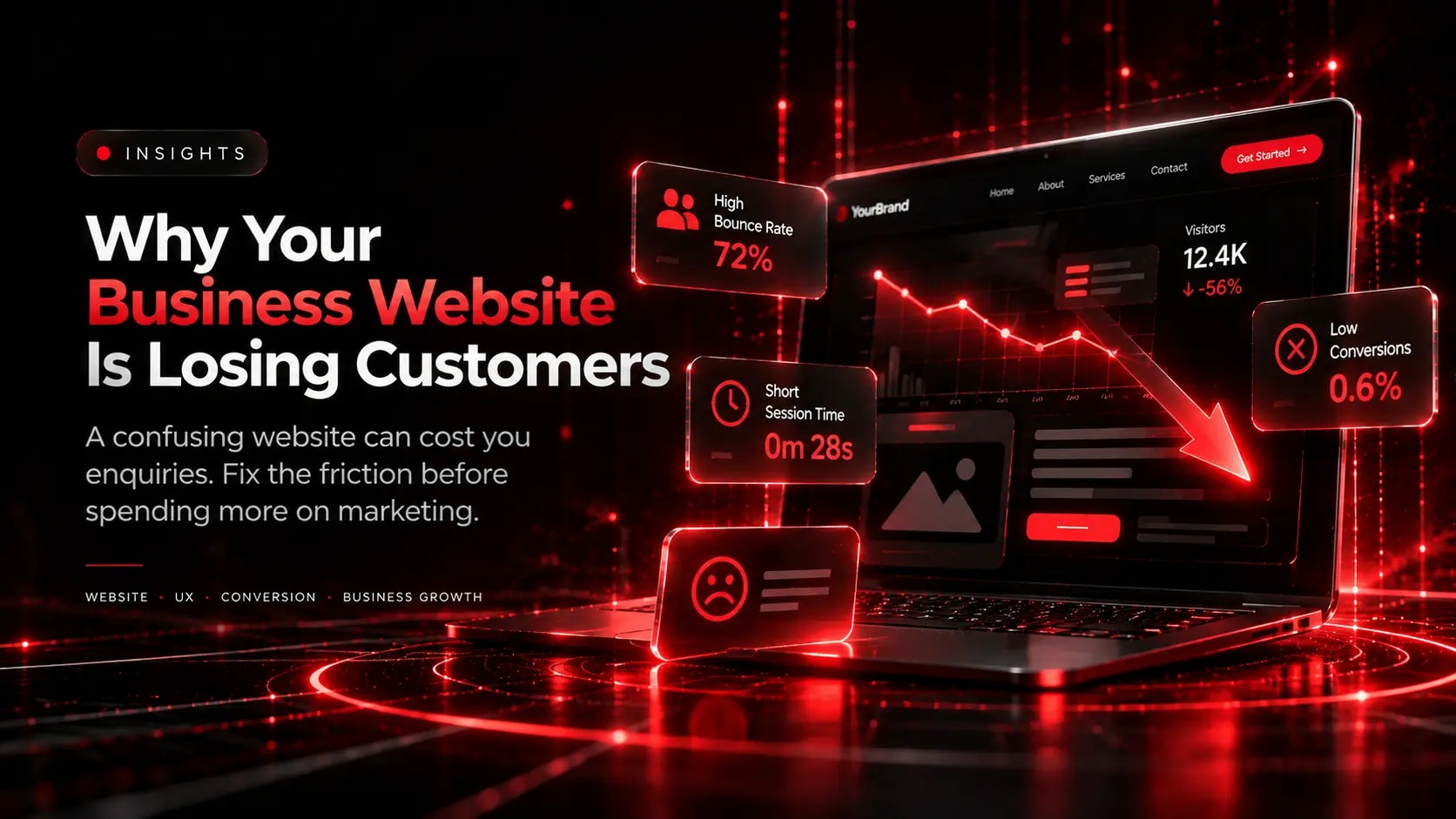
Your website may be attracting visitors without generating enough enquiries, bookings, or sales. When that happens, the problem is not necessarily a lack of traffic.
Visitors may be struggling to understand your offer, find the right information, trust your business, or complete the next step.
Before increasing your advertising budget, examine the experience your website provides.
1. Your Message Is Not Clear Enough
Visitors should quickly understand what your business does, whom it serves, and why its offer is relevant.
A vague headline or generic introduction can make a business difficult to understand. Replace broad claims with specific descriptions of your services, target customers, and practical value.
2. Visitors Cannot Find Important Information
Confusing navigation, unclear service categories, missing pricing information, and hard-to-find contact details create unnecessary effort.
Organise the website around the questions customers actually ask. Make important services, contact options, and next steps easy to locate.
3. The Website Feels Slow or Unstable
Slow-loading content, unresponsive buttons, and unexpected layout shifts can interrupt the visitor journey.
Review Core Web Vitals, optimise large media files, investigate expensive scripts, and test important interactions on mobile devices.
Measure performance rather than assuming that a website is fast because it looks good on your own computer.
4. Your Calls to Action Are Weak
A visitor who is interested in your service should not have to guess what to do next.
Use descriptive calls to action such as “Request a Quote,” “Book a Consultation,” or “View Services,” depending on the action you want users to take.
Make sure the destination matches the label and that the action works correctly.
5. Your Website Does Not Build Enough Trust
Potential customers often need reassurance before contacting an unfamiliar business.
Provide accurate company information, clear contact details, relevant examples of your work, genuine testimonials where available, and transparent explanations of your process.
Keep your content current and avoid unsupported claims about results or credentials.
6. Your Forms Ask for Too Much
Long or confusing forms can discourage visitors from submitting an enquiry.
Request only essential information, use clear field labels, explain required fields, and provide useful validation messages. Test the full submission process, including confirmation messages and email delivery.
7. Your Advertising and Website Do Not Match
If an advertisement promises a particular service, price, or offer, the landing page should make that same information easy to find.
A mismatch between the visitor's expectations and the page content can create doubt and lead to abandonment.
Create dedicated landing pages for distinct campaigns when doing so improves relevance and makes the intended action clearer.
8. You Are Not Measuring the Visitor Journey
Without reliable measurement, it is difficult to know where potential customers are dropping off.
Track meaningful events such as calls, form submissions, bookings, and purchases. Review traffic sources, landing pages, device differences, and the steps visitors take before converting.
Use the evidence to decide what to investigate first.
A Practical Website Improvement Plan
Start with these steps:
- Review your homepage headline and primary call to action.
- Test your main navigation and contact forms on mobile.
- Check page performance and investigate significant issues.
- Compare your advertising promises with the relevant landing pages.
- Verify analytics and conversion tracking.
- Prioritise fixes based on observed problems and business importance.
Do not assume that every website has the same problem. Use customer feedback and analytics to determine which changes are most likely to help.
Final Thoughts
A business website should do more than look professional. It should communicate clearly, establish trust, make information accessible, and help visitors take the next step.
Improving these fundamentals can create a stronger foundation for converting relevant traffic into genuine business opportunities.
Explore Related Capabilities & Work
Intime Webs Services
Work With Intime Webs
Is your website underperforming?
Intime Webs can help review your website's design, usability, performance, and conversion journey to identify practical areas for improvement.
Continue Reading · Related Insights
View All 20 Articles →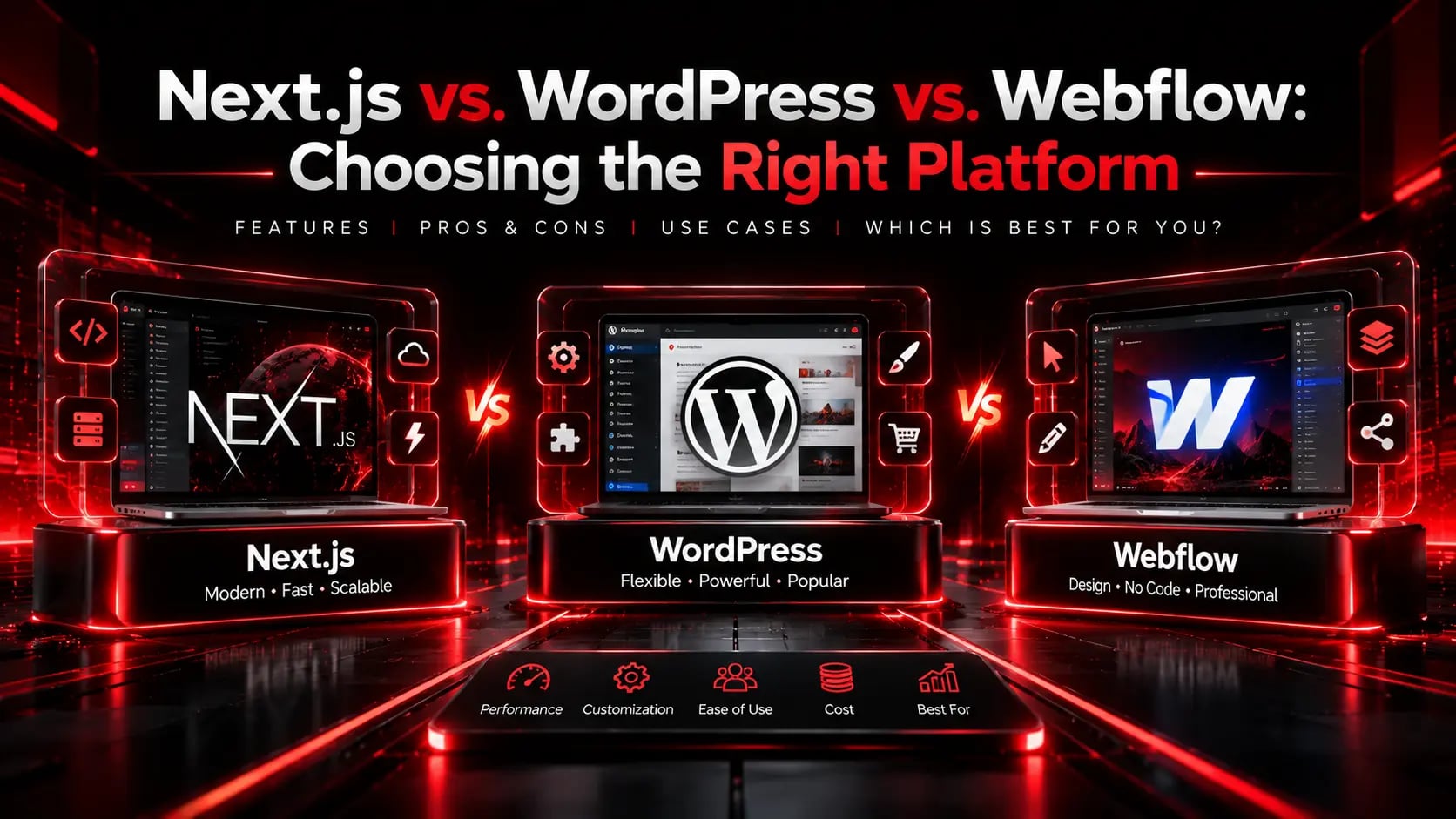
Next.js vs. WordPress vs. Webflow: Choosing the Right Platform
Every platform has trade-offs in speed, editorial workflow, custom logic, and long-term maintenance. Here is how to pick the right stack for your team and goals.
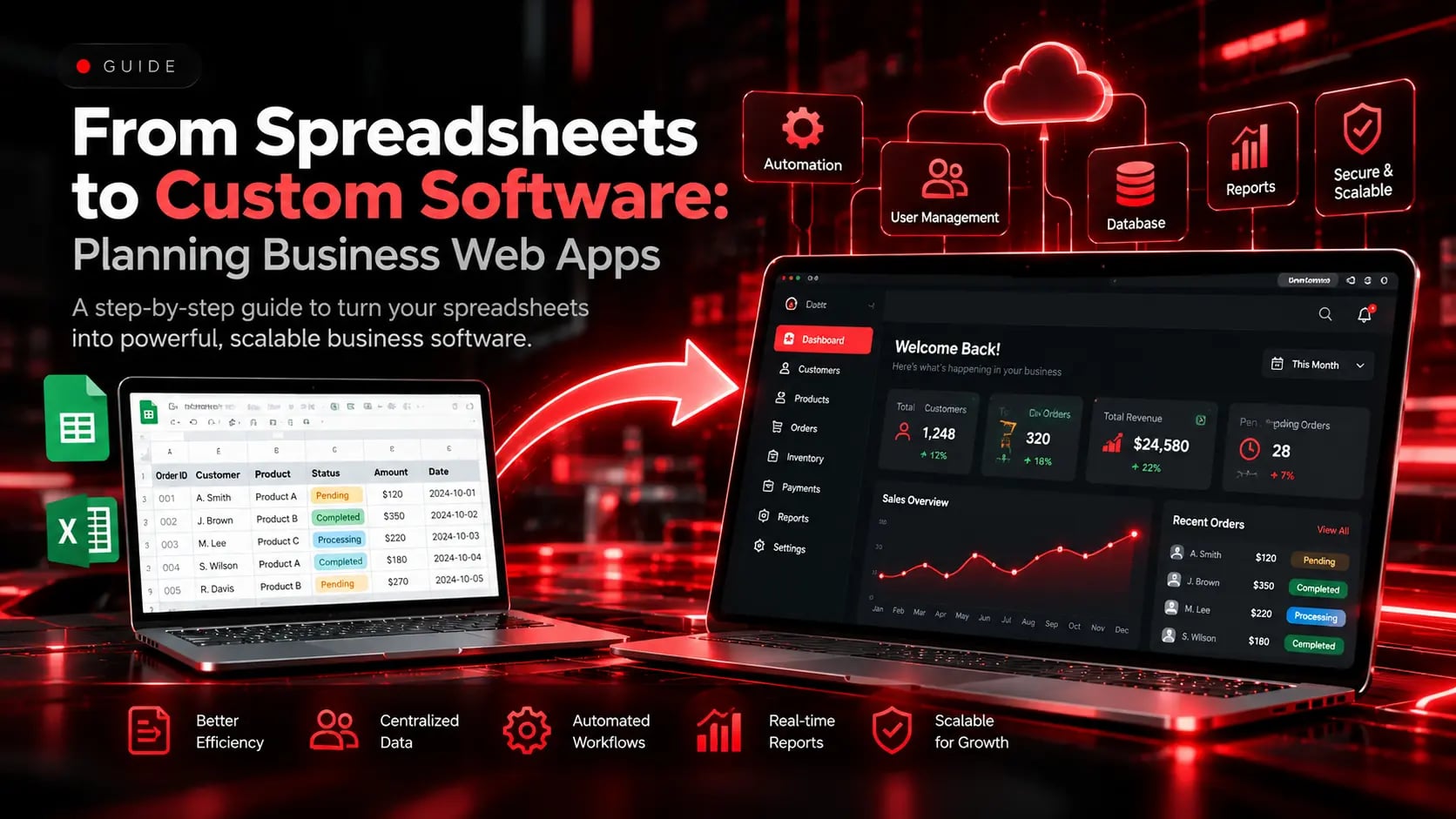
From Spreadsheets to Custom Software: Planning Business Web Apps
When spreadsheets and manual hand-offs start slowing operations down, a purpose-built web application can unify workflows, permissions, and reporting.
B2B & Industrial Website Design: Turning Technical Specifications Into Enquiries
Engineers, procurement leads, and B2B buyers evaluate websites differently from consumers. Learn how clear specification tables, compliance proof, and fast RFQ flows win industrial business.